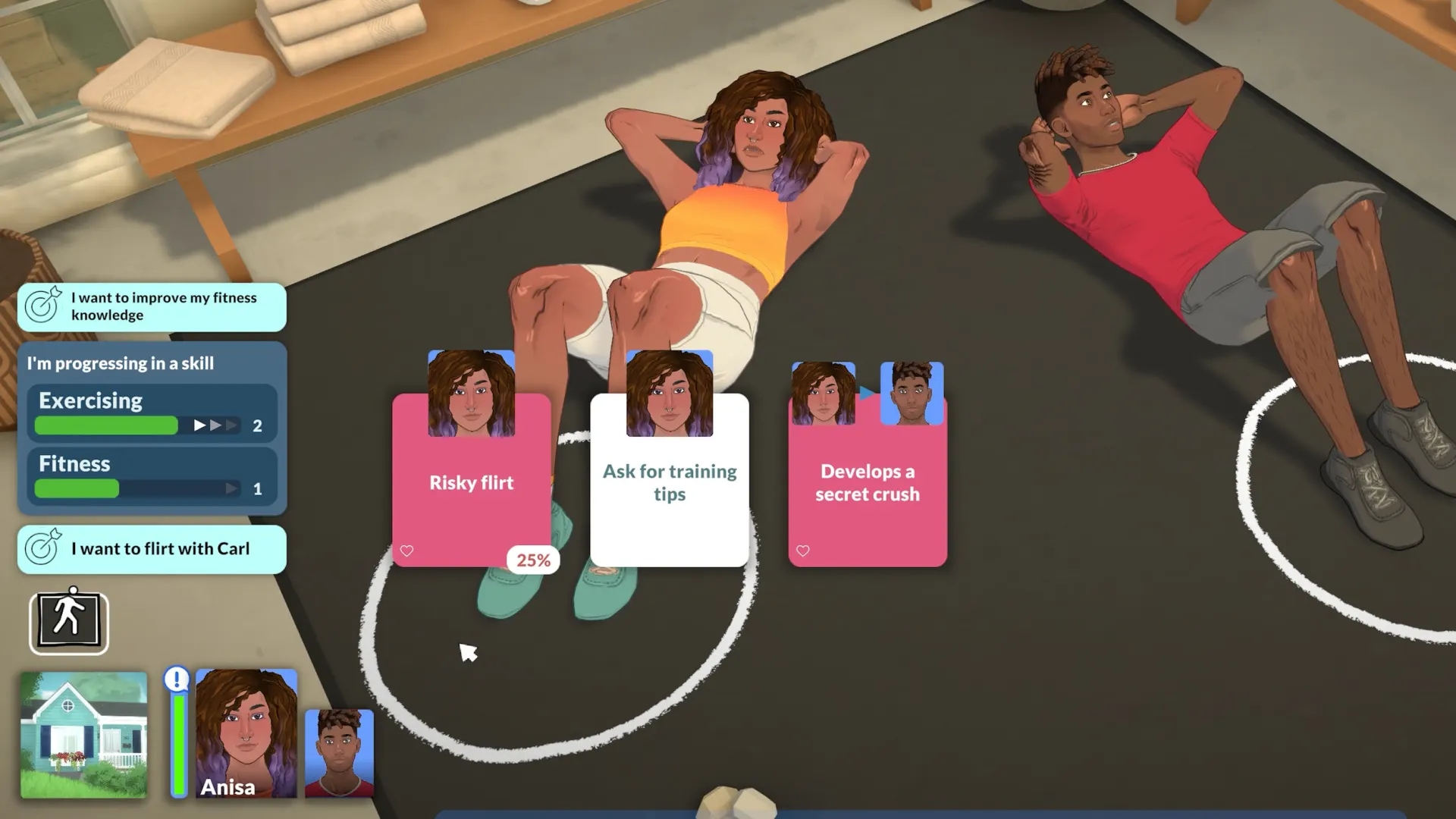

About this mod
Interact Icons is a mod that adds visually appealing icons to the interaction menu in Paralives, making it look more stylish. While it does not affect gameplay, it aims to improve the user interface experience. Users are encouraged to provide suggestions for icon changes, which the author is willing to consider for future updates. The mod does have some limitations, such as shared interactions that prevent different icons for certain actions like 'Turn on TV' or 'Open door'. Interaction categories cannot currently display icons, and some collab games are using a generic icon instead of unique ones. Despite these issues, the author is open to feedback and aims to address any problems that may arise. Future updates may include adding icons for mods that introduce new interactions, custom icons, and possibly a dark mode UI if more access to UI modding is provided. The mod is designed to work seamlessly with existing UI colors, ensuring compatibility without the need for modifications.
Features
- Adds icons to the interaction menu
- Enhances visual appeal
- Does not affect gameplay
- Open to user suggestions
- Future updates planned
Installation
- 1
Click View on Steam Workshop above to open the official source page.
- 2
Subscribe on Steam Workshop, or download the file from the creator's page.
- 3
Launch Paralives and enable the mod from the in-game mods menu.
- 4
For a deeper walkthrough, read the full install guide.
Changelog
- v1.0
Initial release of the Interact Icons mod.