
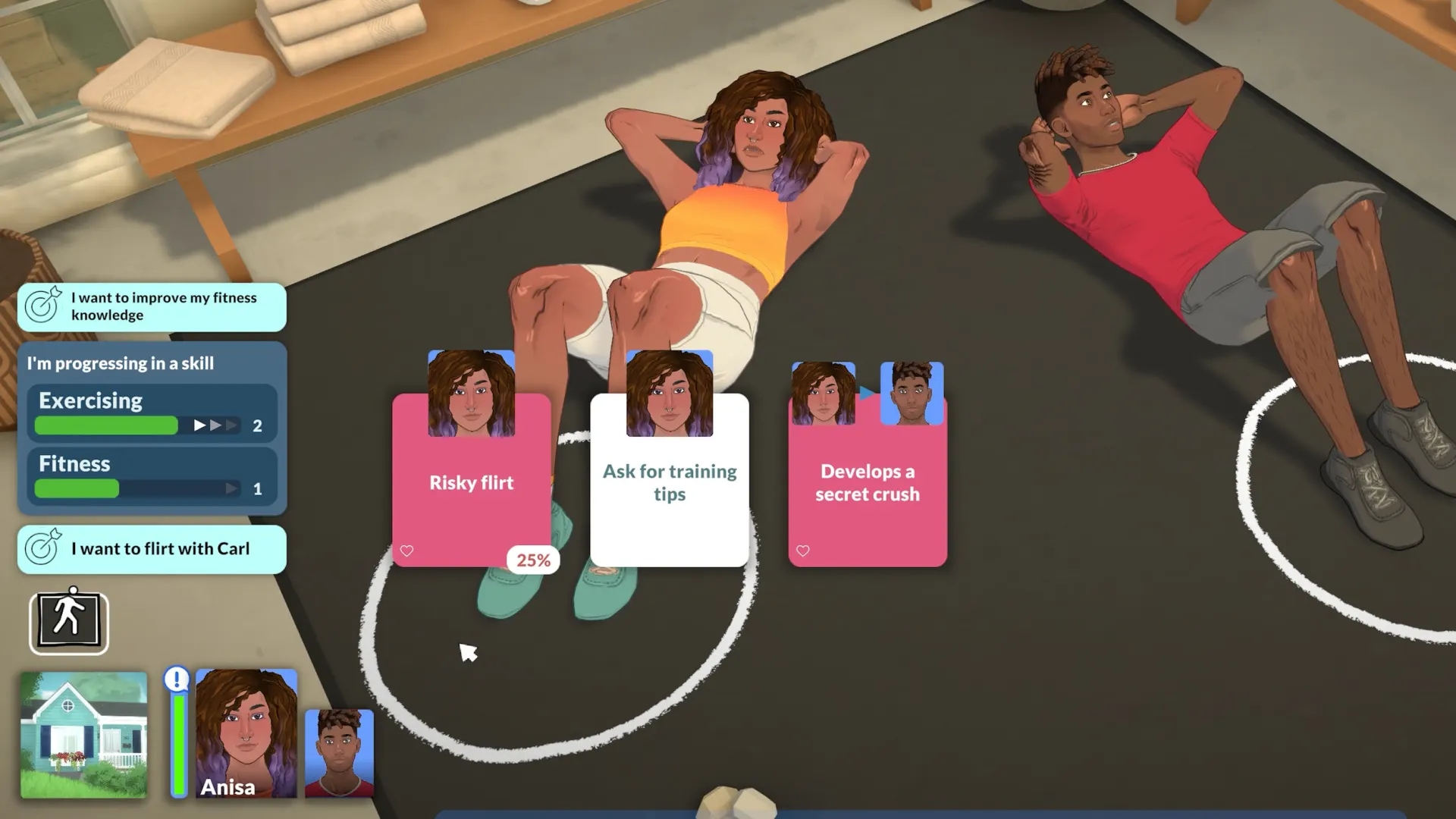
Paralives ships with a built-in debug console that doubles as a cheat panel. It's intentionally exposed during Early Access so testers can rebuild saves quickly, stress-test interactions, and skip grinds that aren't the focus of the patch they're trying out. The full command set isn't finalised yet — Alex and the team add and rename codes between patches — but the core list below has been stable for several builds.
If you'd rather change the game through content than commands, our beginner mod walkthrough covers the same ground from a different angle, and there are plenty of gameplay tweaks worth trying once you've finished poking the console.
Quick answer
Press the tilde key (~) or the backtick key (\`) above Tab to open the console at any time during Live Mode, Build Mode or in the Paramaker. Type a command, press Enter, and it applies instantly to the active household or lot. To close the console, hit the same key again.
Opening the cheat console
- 01Load any save and wait until you're past the loading screen.
- 02Press
~(US layout) or\` — the input box drops down at the top of the screen. - 03Type the command exactly as written. Commands are lower-case and most are a single word.
- 04Press Enter to execute; a confirmation line prints back into the console.
- 05Press the same key to dismiss the console and return to play.
Some commands only run while a Parafolk or object is selected. If a code returns target required, click the sim or item first, then re-run the command.
Money cheats
Money codes affect the household funds of the currently active family. Switching to another household with Manage Households before running them lets you top up several families without juggling saves.
motherlode— adds 50,000 Parabucks to the active household. Safe to spam; balance is capped at the engine integer limit.rosebud— adds 1,000 Parabucks. Useful for nudging a build over the line without breaking the economy.kaching— same as rosebud (legacy alias). Either one works.set_funds <number>— overwrites household funds with the exact amount. Useset_funds 0to challenge yourself with a clean rebuild.freerealestate on/freerealestate off— toggles free purchase of any lot from the world map. Costs are deducted as 0 until you turn it off.
Build Mode cheats
These flags unlock construction tools normally gated by funds or zoning. They're the same set the dev team uses when shooting trailers, which is why the build-mode mods community leans on them so heavily.
bb.moveobjects— disables placement collision so furniture clips into walls, decor, and other objects. Mirrors The Sims' classic OMW cheat.bb.showhiddenobjects— exposes debug props (effect emitters, hidden plants, prototype clutter) in the build catalogue.bb.enablefreebuild— lets you remodel community lots and locked rooms (basements, hospital wings) that are normally read-only.bb.ignoregameplay— removes the requirement that a lot pass functional checks (one door, one bed, etc.) before saving.build_grid <0.25|0.5|1>— sets the placement grid in metres.0.25matches the fine grid used by Paramaker-style precision builds.
Lifestyle and Parafolk cheats
These commands edit the selected Parafolk. Click the sim's portrait first, then run the command — most accept an optional <simName> argument if you'd rather target by name.
fill_needs— restores hunger, hygiene, energy, fun, bladder and social to full for the active sim.fill_needs_household— same as above but for every Parafolk in the household.set_mood <mood>— overrides the current mood. Accepted values includehappy,focused,flirty,angry,sad,inspired.set_skill <skill> <level>— sets a skill to a specific level (e.g.set_skill cooking 10). Levels are 0–10.add_trait <trait>— adds a personality trait without re-entering the Paramaker. Removes the oldest trait if the slot is full.change_relationship <simA> <simB> <value>— adjusts friendship between two sims by the given delta (−100 to +100).pregnancy <0|1|2|3>— sets pregnancy trimester instantly.0ends a pregnancy with no consequences.
Time, weather and world cheats
set_time <HH:MM>— jumps the in-game clock. Useful for testing lighting in a build without waiting for dusk.set_weather <clear|cloudy|rain|storm|snow>— forces the current weather state until the next natural change.set_season <spring|summer|autumn|winter>— same idea for the season; the world re-skins instantly.set_speed <1|2|3>— locks game speed; handy when ambient autoplay keeps fast-forwarding past your screenshot.
If you want fine-grained control over how long each life stage lasts instead of fast-forwarding the clock, our aging and life-stage guide walks through the dedicated sliders.
Debug and testing commands
These are the ones the dev build leaves wired up so the team can reproduce bug reports. They're not officially supported but they don't damage saves.
debug_overlay— toggles the FPS, draw-call, and memory overlay used in dev streams.teleport— click anywhere on the lot after running this to warp the selected sim to that exact tile.reset_sim— pulls a stuck Parafolk back to the spawn point and clears their queue. The first thing to try before reloading.unlock_career— fills the career panel with every available job for testing animations and uniforms.
Safety, achievements and saves
- Cheats don't currently disable achievements — Paralives doesn't ship a Steam achievement set yet — but expect that to change at 1.0.
- Always save before running an experimental command.
Ctrl+Swrites a quick save without overwriting your main slot. - If a command breaks an interaction, run
reset_simfirst, then exit to Main Menu and reload. A full game restart is rarely needed. - Avoid combining
freerealestate onwithbb.ignoregameplayon saves you care about — it lets you publish invalid lots that other tools later reject.
Going further
Once you've exhausted the built-in toolbox, community creators have built dozens of quality-of-life tweaks that act like permanent, opt-in cheats — auto-fill needs, faster skill gain, instant build mode. Browse the Steam Workshop picks for the curated short list, or jump back to Paralives Mods for the latest additions.